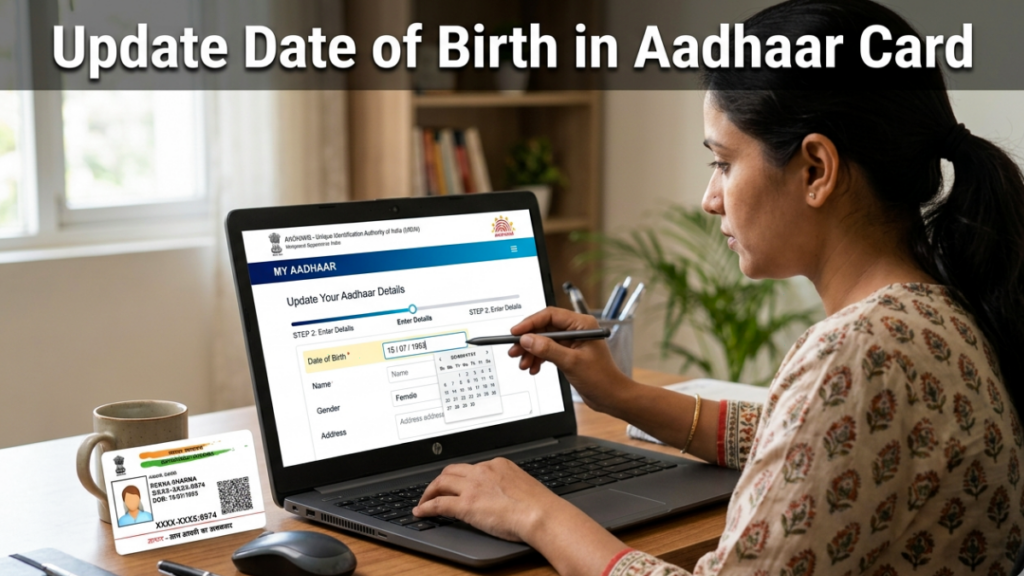
Updating the date of birth in your Aadhaar card matters for banking, passport, PAN, education, and government services. A mismatch between your Aadhaar and other records leads to rejection during KYC, subsidy claims, or exam registrations. UIDAI allows correction through online and offline routes. You need valid proof, accurate entry, and a one time fee. This article explains documents required, eligibility, step by step application process, and common errors.
Why you should correct date of birth in Aadhaar
Your Aadhaar acts as identity and age proof across India. Many systems auto pull data from Aadhaar. If the date of birth differs, you face rejections.
You should update if:
- Your Aadhaar shows wrong day, month, or year
- You enrolled years ago with estimated age
- You changed birth records after legal correction
UIDAI allows date of birth update with valid documents. You get only one chance for change in most cases. So, enter the details carefully.
Documents required to update date of birth in Aadhaar
Submit one valid document with your name and date of birth. The document must match your current name in Aadhaar. If the name differs, update name first or apply together.
Accepted documents include:
- Birth certificate issued by municipal authority or Registrar of Births and Deaths
- SSLC certificate or any marksheet with date of birth
- Passport
- Government photo ID with date of birth
- Central or state pensioner photo ID card
- Government service photo ID card
- School leaving certificate
- Photo ID issued by recognized educational institution
- Transgender identity card
Fee for Aadhaar date of birth update
UIDAI charges a standard fee.
- Online update fee. Rs 75
- Offline Aadhaar Seva Kendra or enrollment center fee. Rs 75
- Payment modes online. UPI, debit card, net banking
You receive a service request number after payment. Track status using that number.
Update date of birth in Aadhaar Step by step process
Offline
Offline visit helps when mobile not linked or document needs manual verification.
Steps to follow:
- Locate nearest Aadhaar Seva Kendra or enrollment center
- Carry original proof of date of birth
- Fill Aadhaar update form at center
- Provide Aadhaar number and corrected date
- Submit document to operator
- Operator scans document and updates request
- Verify details on screen
- Provide biometric authentication
- Pay Rs 75 fee
- Collect acknowledgment slip with update request number
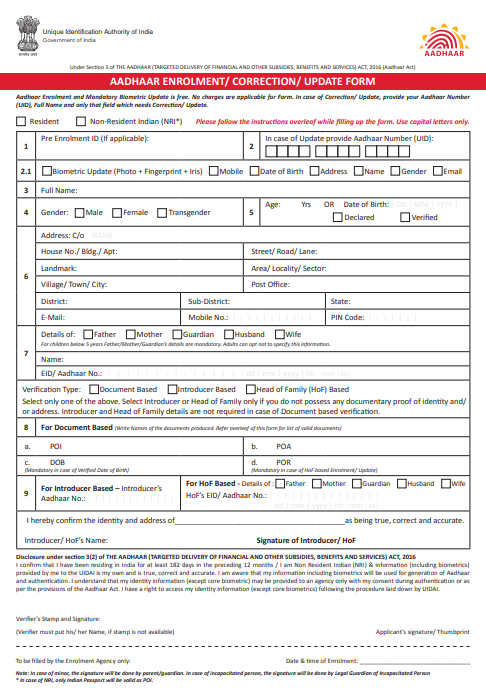
You receive SMS when update completes. Download e Aadhaar or wait for printed copy.
Limit on date of birth changes
UIDAI restricts repeated updates.
- Full date of birth change allowed only once
- Minor corrections allowed with valid proof
- Further changes require UIDAI exception handling
If your request gets rejected, review reason and submit fresh request.
How to check Aadhar date of birth update status
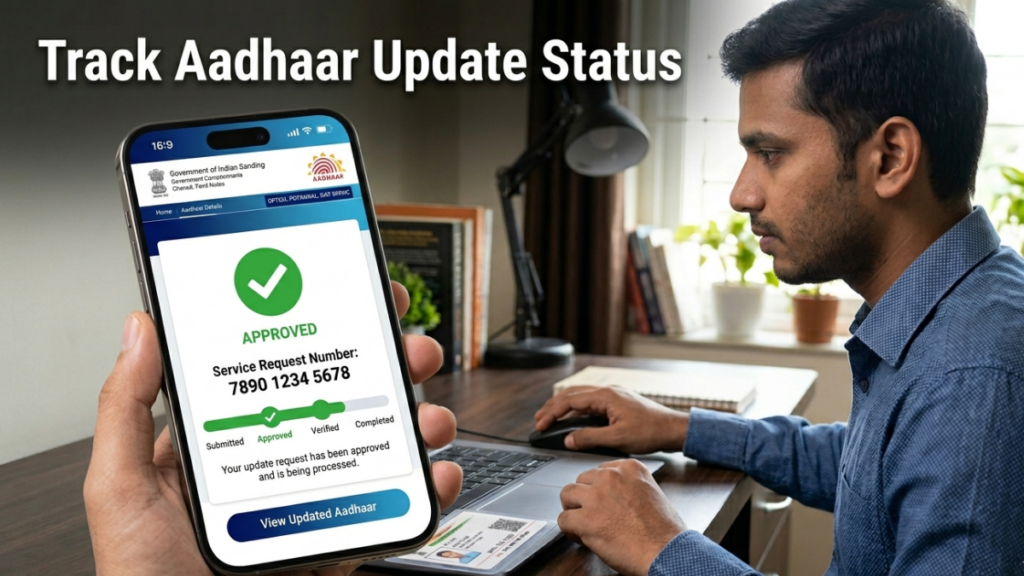
You track using service request number.
Steps:
- Visit UIDAI update status page
- Enter service request number
- Enter captcha
- Click check status
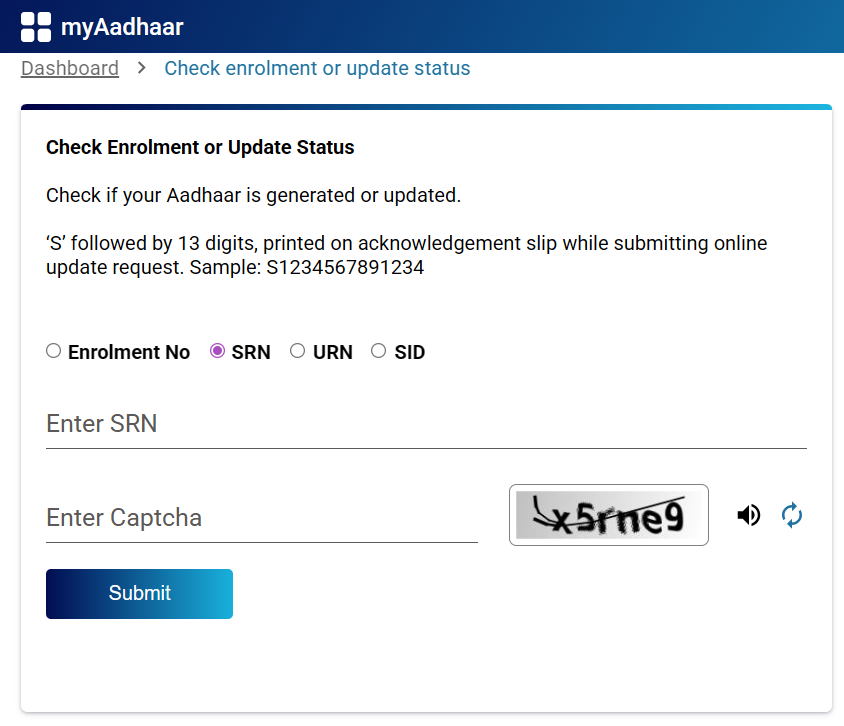
Status messages:
- Under review
- Document verification pending
- Approved
- Rejected with reason
If approved, download e Aadhaar immediately.
How to download updated Aadhar after correction
After approval, download e Aadhaar.
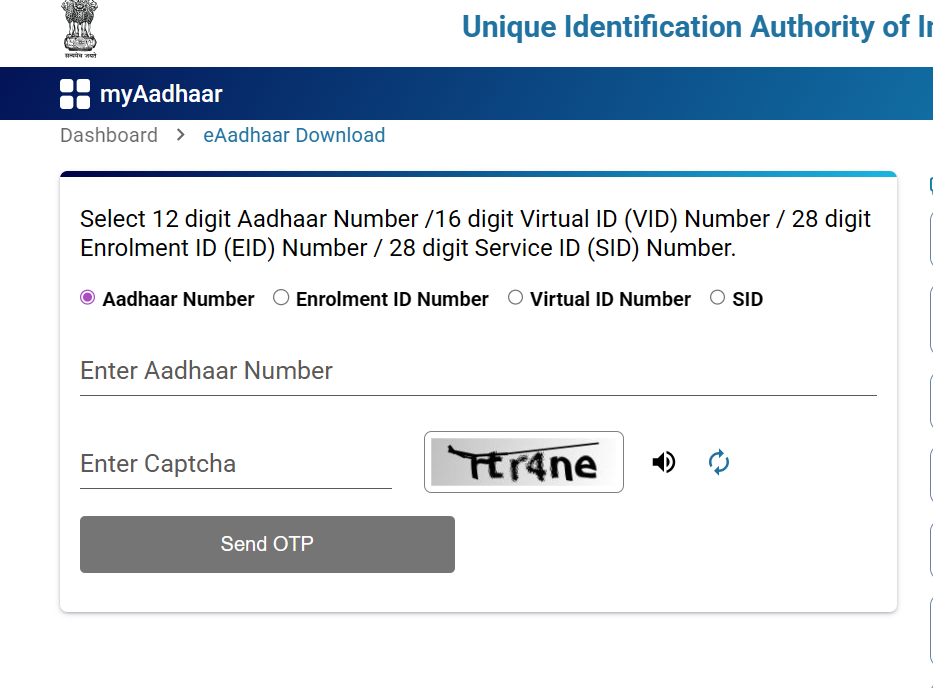
Steps:
- Visit UIDAI download Aadhaar page
- Enter Aadhaar number or enrollment ID
- Enter OTP send to registered mobile number.
- Download PDF
- Open using password. Password equals first four letters of name in capital plus birth year
Example: Name Ravi Kumar, year 1998. Password RAVI1998.
Common reasons for rejection
UIDAI rejects requests for these issues.
- Unreadable Document submitted
- Name mismatch
- Invalid document type
- Date unclear in document
- Multiple update attempts
- Suspected forged document
- Cropped scan missing details
Fix issue and submit again.
Real examples
Example 1: School certificate mismatch
You enrolled Aadhaar with estimated age 1995. SSLC certificate shows 1998. Submit SSLC certificate. UIDAI verifies and updates.
Example 2: Typo in day
Your Aadhaar shows 12-08-2000. Birth certificate shows 21-08-2000. Apply for update. Since, it is Minor correction gets approved faster.
Example 3: Passport match requirement
Passport office rejects due to mismatch. Update Aadhaar using required documents. After approval, reapply passport.
Does Aadhaar update affect PAN, bank, or passport
After update, systems linked to Aadhaar fetch updated data during next KYC. You should still update records manually.
Update these after correction:
- Bank account KYC
- PAN details if mismatch
- Passport application
- Insurance policy
- School or college records
- Government schemes
Use updated e Aadhaar as proof.
Key points summary
- Update date of birth via Aadhaar Seva Kendra
- Use valid document with full date
- Pay Rs 75 fee
- Track using service request number
- One full change allowed in most cases
- Download updated e Aadhaar after approval
Accurate Aadhaar details reduce KYC issues. Submit correct document, verify entries, and track request. Your updated Aadhaar works across banks, passport office, exams, and government schemes without mismatch.
Read More
Pradhan Mantri Matru Vandana Yojana (PMMVY)